Materials
Materials change how a part looks on screen, not how it prints. Use them to tell parts apart and to make a picture.
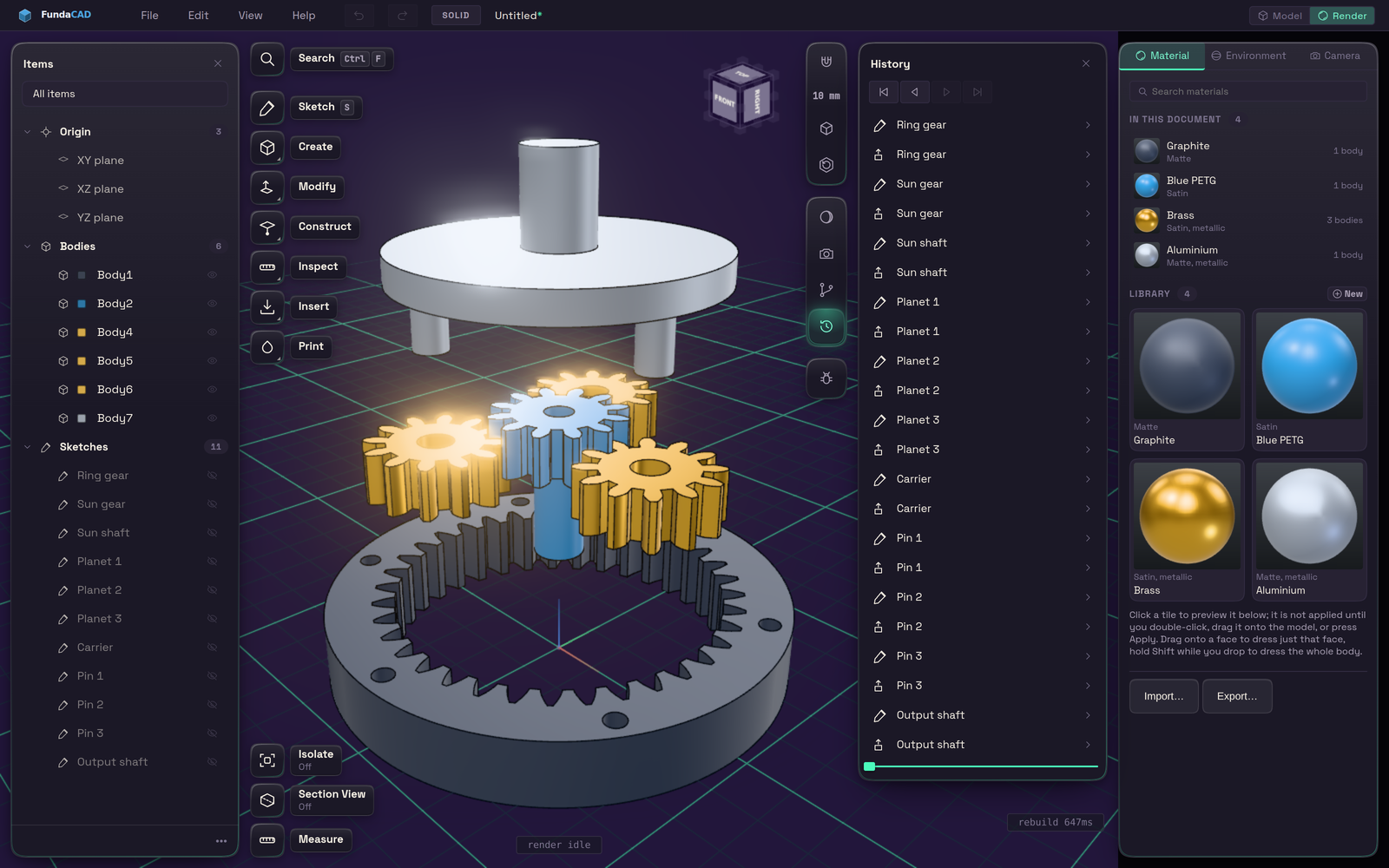
Switch to Render with the Model and Render buttons in the title bar. The Material tab shows a library of finishes. Clicking a tile only previews it. Double-click it, drag it onto a part, or press Apply to use it. Dropping on a face dresses only that face, and Shift dresses the whole body.