Draw shapes
The rail holds the drawing tools while a sketch is open, and the line of text at the bottom of the view says what the running tool wants next.
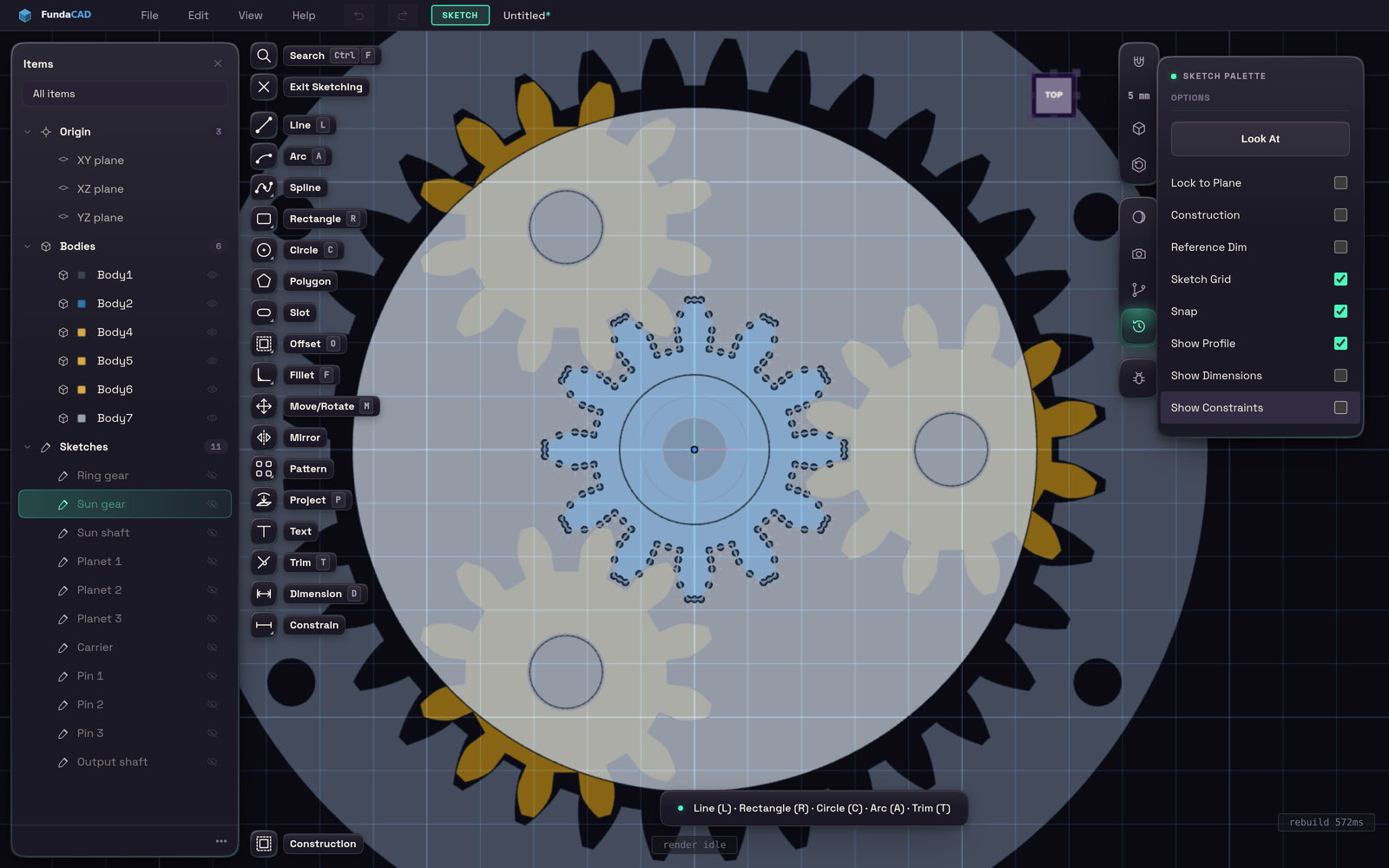
Line (L) takes a click per point until you press Esc. Rectangle (R) takes two corners, Circle (C) a centre and a point on the rim, and Arc (A) a start, an end and a point the arc passes through. Polygon, Slot, Point, Spline and Text work the same way.
Tools with variants, such as Rectangle and Circle, share one button that runs the variant you used last. Right-click it to pick another.