Live mode and hot reload
Live mode
Live mode pushes edits into the scene open in the Godot editor before you save, so you can judge lighting and scale in the real renderer. Turn it on with the link button at the right end of the toolbar or Godot > Live Mode. It is off by default and needs the Godot live link, which is on in File > Preferences.
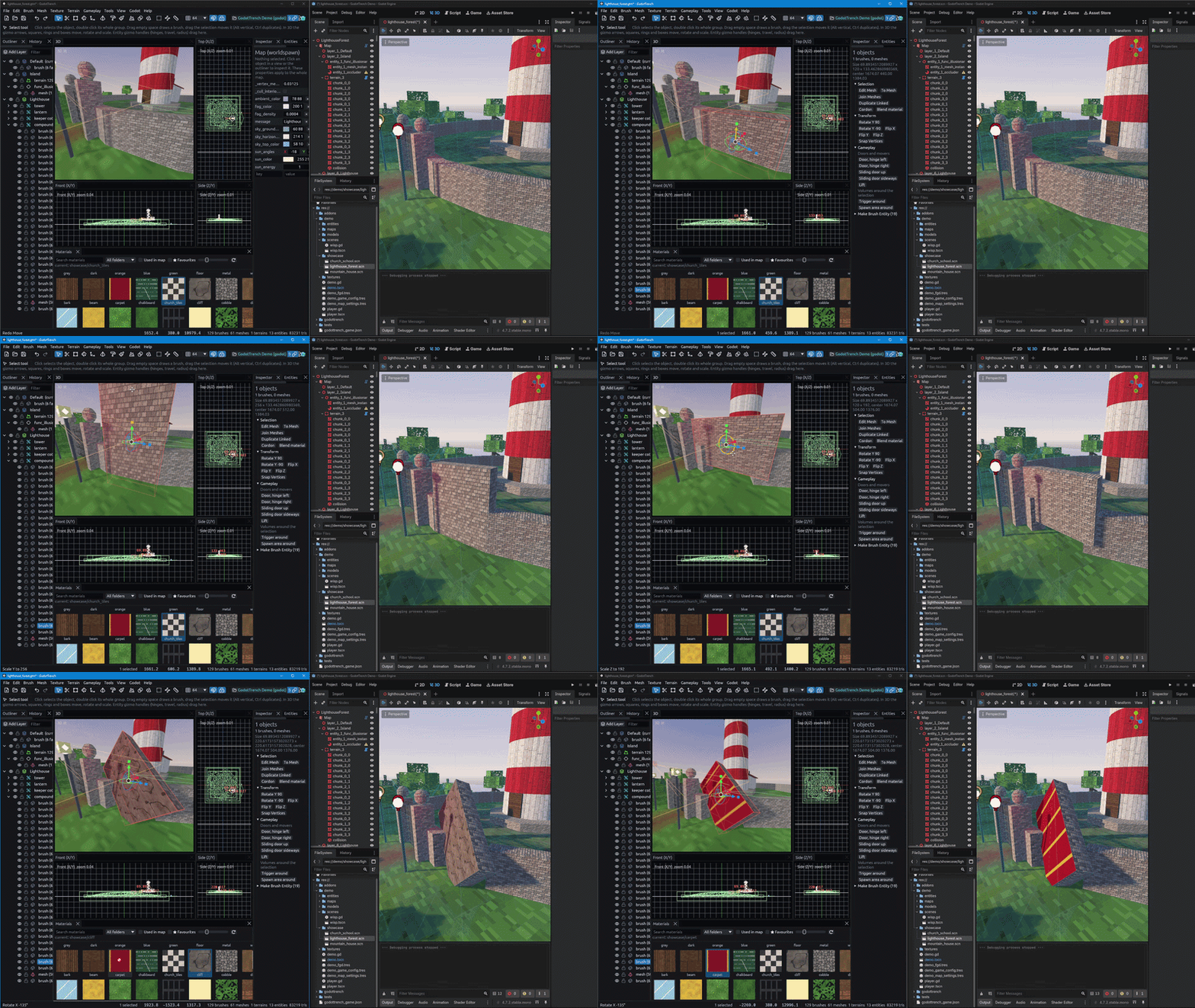
It works once the map has been saved inside the project and the scene open in Godot has a FuncGodotMap using it. The
link button's tooltip says what it is waiting for.
| You change | Godot does |
|---|---|
| Drag something | Moves its node while you drag |
| Edit an entity, terrain or scatter set | Rebuilds just that node |
| Edit loose brushes | Splits worldspawn once into chunks of godottrench/live_chunk_size meters (16), then rebuilds only the touched chunks |
| Layer omission, prefab instances | Rebuilds the whole map once editing pauses |
The preview is close to a full build but not always identical. Saving always does a full build. Quitting without saving sends Godot back to the saved file.
Hot reload in a running game
To see saves in a game that is already running, add this script as an autoload under Project Settings > Globals > Autoload:
res://addons/func_godot/src/godottrench/runtime/godottrench_hot_reload.gd
On every save it rebuilds the maps in the game that use the saved file, then emits map_reloaded(map). Use that signal
to put the player back at a spawn point or reset game state.
It listens on port 7843, which must match Running game hot reload in the editor's preferences, and only runs in games
launched from the Godot editor unless you set enabled_in_exported_builds. The editor only sends it saves while the
live link is on.