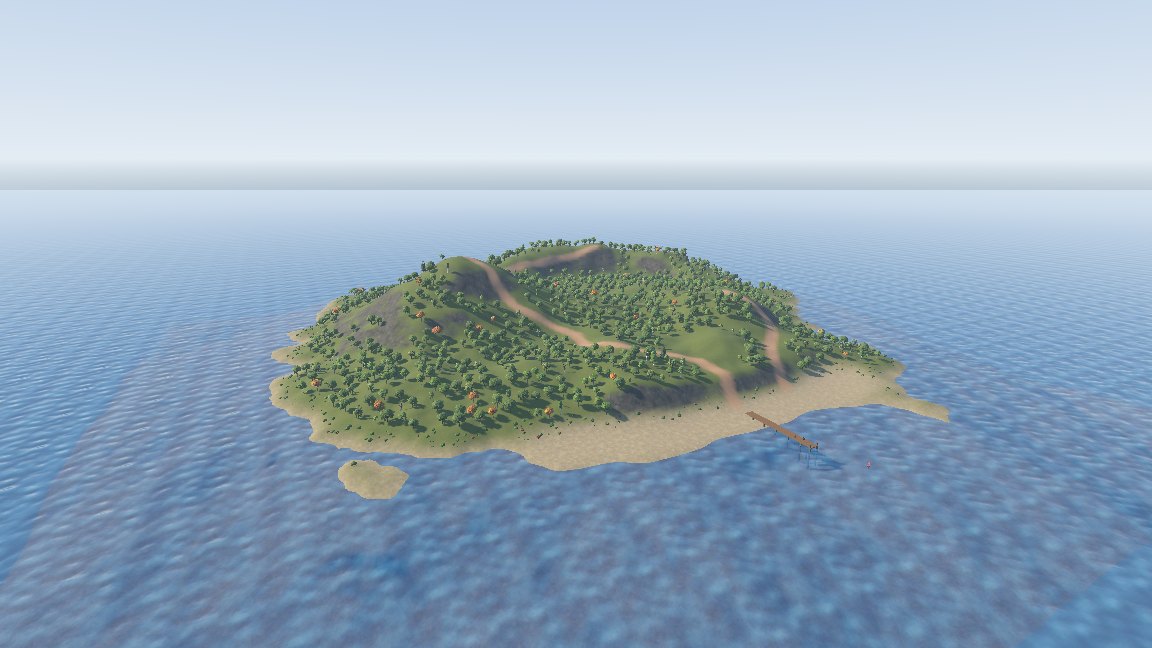
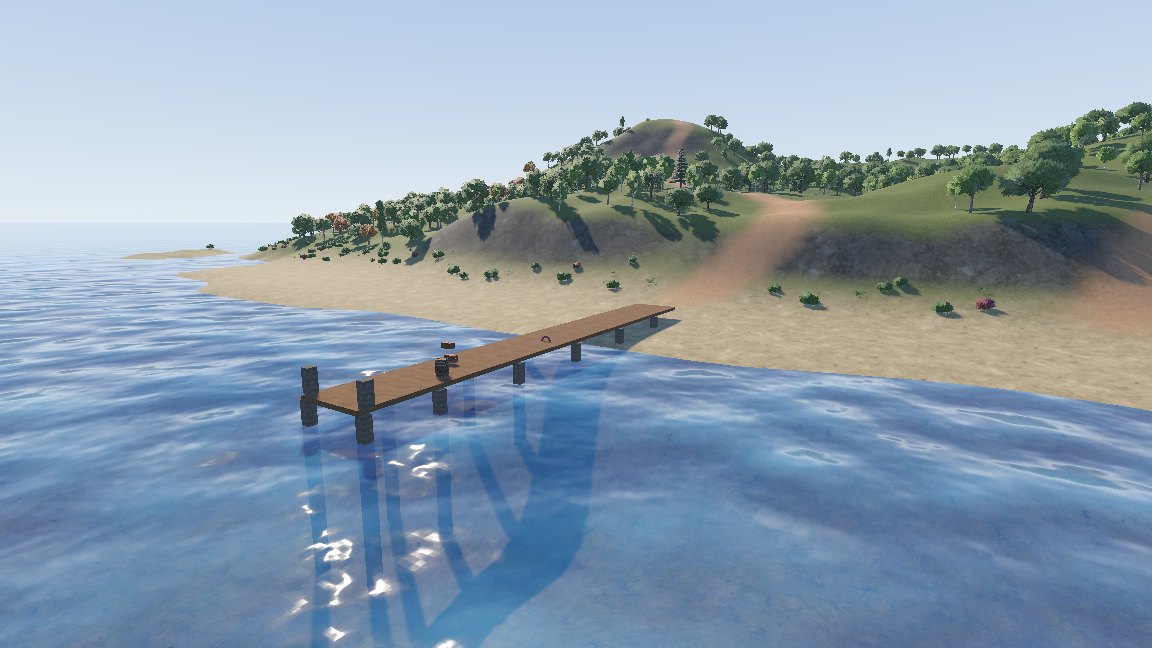
Sea island 5: pier and Godot
The pier
Click Add Layer in the Outliner, so the pier lands on its own layer, then draw plain brushes running out to sea from the middle of the beach:
| Part | Size | Material |
|---|---|---|
| Deck | 128 wide, 1100 long, 8 thick, top 48 above the water | showcase/planks |
| Posts | 16 units square, two rows every 200 units, from 320 below the water up to the deck | showcase/beam |
| Railing | Two short posts at the far end, 40 high | showcase/beam |
Add props from the demo project's models/polyhaven folder with File > Import > Model Prop (.bbmodel, .glb)...:
two wooden_crate_01 and a wine_barrel_01 on the deck, a lifebuoy against a post and an ocean_buoy in the
water. A prop references its model by res:// path, so the file has to be inside the open Godot project.
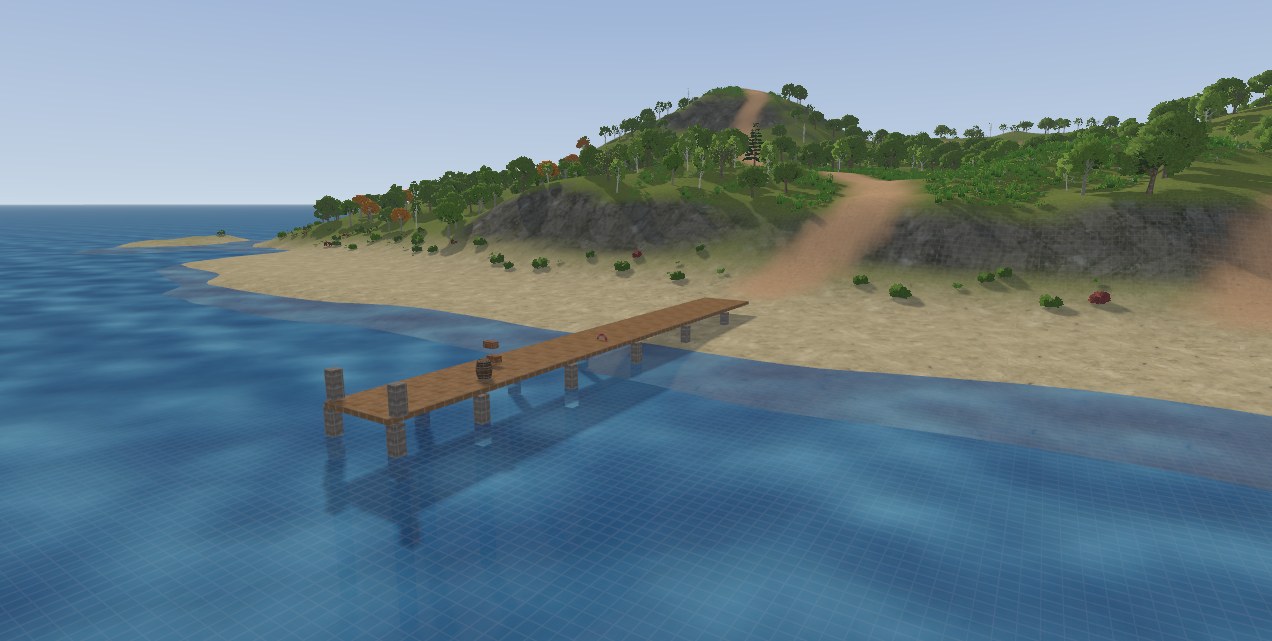
See it in Godot
Save the map inside your Godot project and build it with a FuncGodotMap, see Building maps.
| Map part | Godot result |
|---|---|
| Terrain | GodotTrenchTerrain, chunked meshes with the four layer blend, each chunk with its own collision |
| Sea | The func_illusionary brush, visible without collision |
| Tree, bush and boulder sets | MultiMeshes, with one static body per instance sharing a collision shape |
| Grass sets | MultiMeshes without collision that fade out with distance |