Sea island 2: sculpting
Select the terrain, or nothing, and press G for the Sculpt tool. It only reaches terrains in the selection, so it does nothing while the sea is selected. Mode, radius and strength are in the tool options. Hold Ctrl while dragging to smooth. The status bar shows the cursor position, its middle number is the height.
Hills
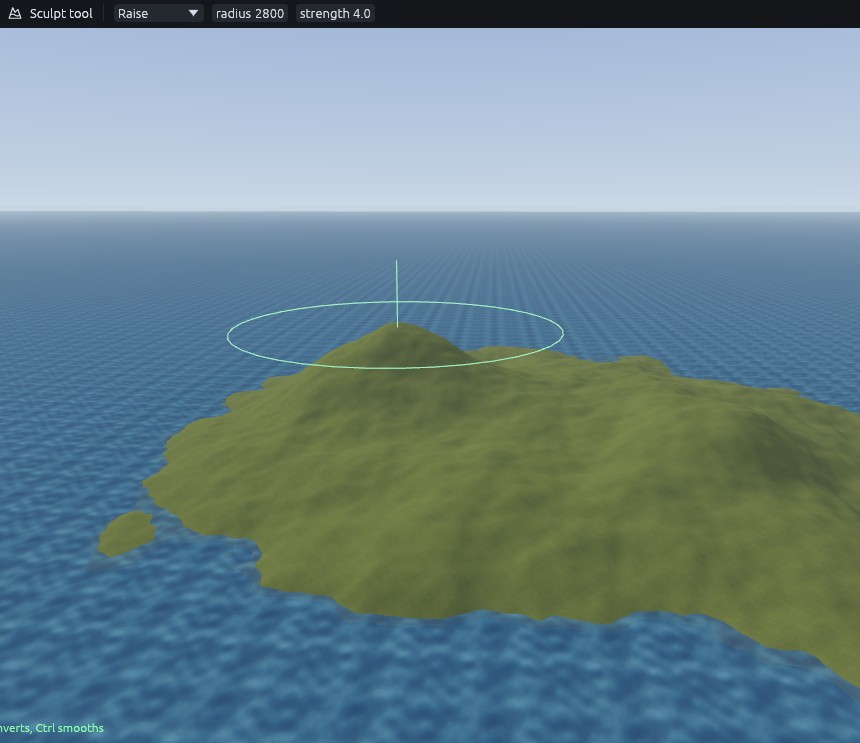
- Raise, radius 2800, strength about 4. Hold west of the centre until the hill stands about 1500 units above the sea.
- Radius 1300 on the same spot for a steeper top.
- Radius 1900 for a lower second hill to the south east.
Cliffs
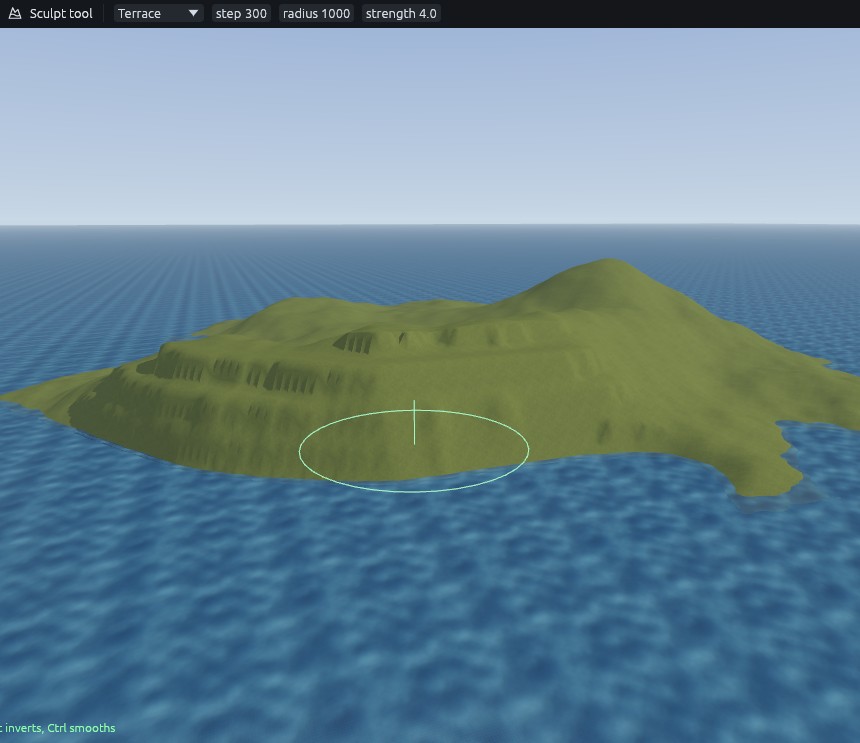
- Raise, radius 1800. Drag along the north east coast, a little inland, for a headland. Then Smooth the whole island once with a very large brush.
- Lower, radius 1000. Drag through the sea in front of that coast to deepen it.
- Terrace, step 300, radius 1000. Drag along the coastline so it breaks into shelves and steep faces, then go over it once with a light Smooth.
Beach
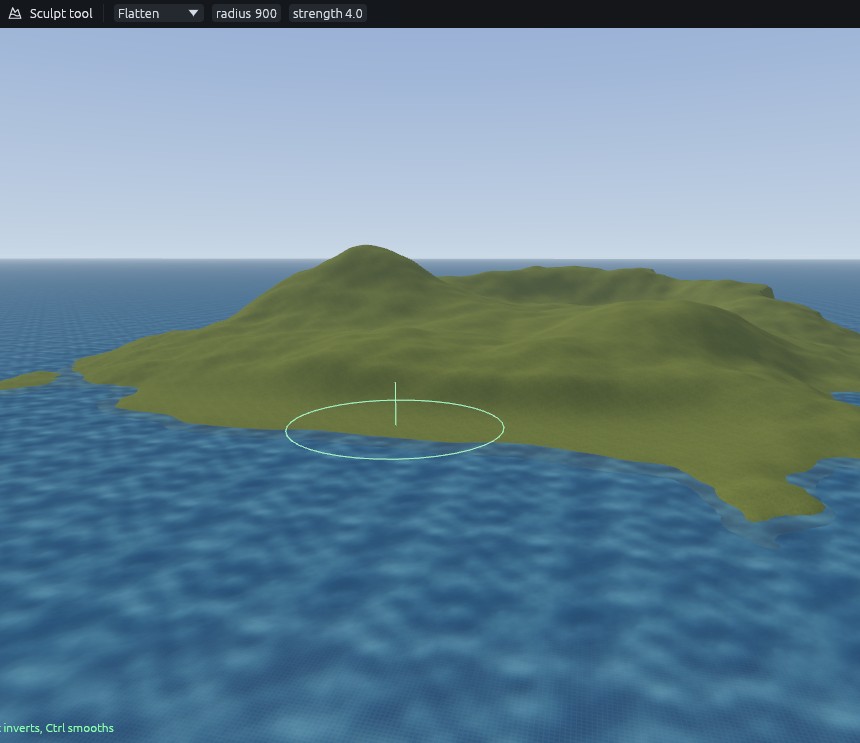
Flatten, radius 900. Start the stroke right at the waterline on the south shore and drag along the coast, Flatten holds the height the stroke starts at. Then Smooth with a slightly larger brush, so the beach runs into the land without a step.
Next: Sea island 3: painting.