Sea island 1: terrain
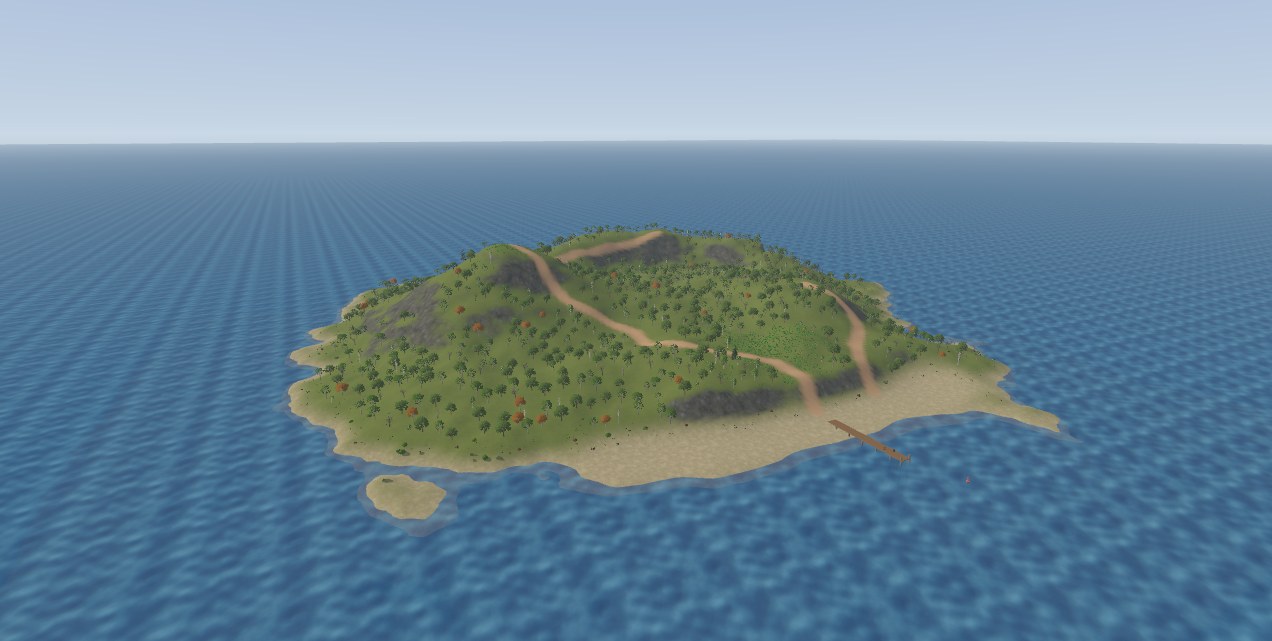
A large island with two hills, cliffs, a beach, paths, woodland and a pier, in five parts. The numbers are the ones used for the pictures, in map units at 32 per meter. examples/mcp/sea_island.json builds the same island, so you can replay it to check a value.
Create the terrain
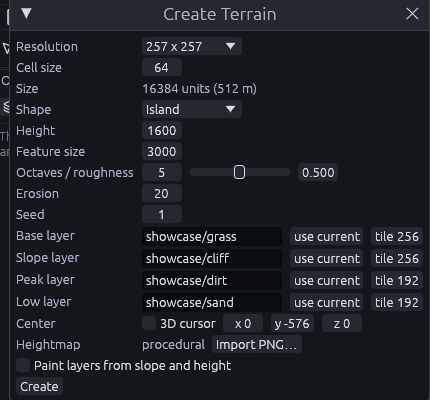
Open Terrain > Create Terrain... and set:
| Setting | Value |
|---|---|
| Resolution, Cell size | 257 x 257, 64. The dialog shows the size, 16384 units (512 m) |
| Shape | Island, Height 1600, Feature size 3000, Erosion 20, Seed 1 |
| Base, Slope, Peak, Low layer | showcase/grass, showcase/cliff, showcase/dirt, showcase/sand. Tile 256 for the first two, 192 for the others |
| Center | Untick 3D cursor, then 0 -576 0 |
| Paint layers from slope and height | Unticked, part 3 paints by hand |
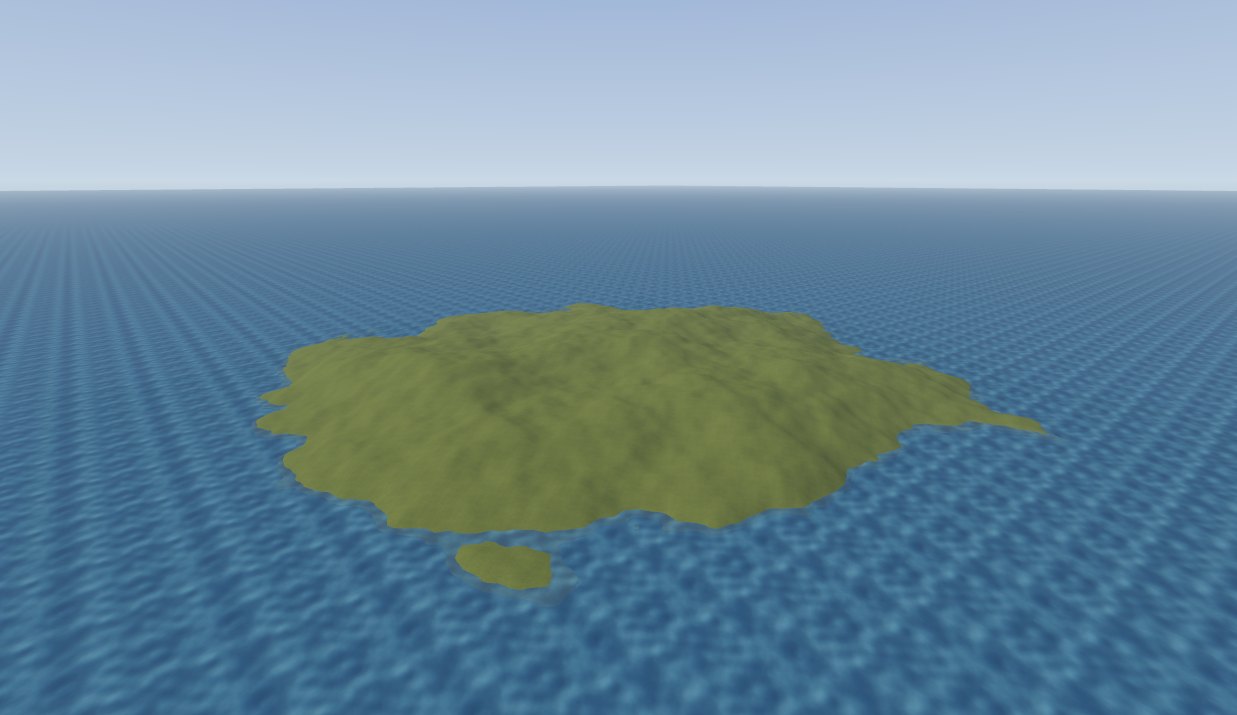
The sea will sit at height 0, so lowering the terrain by 576 floods its outer ring and leaves the middle dry. The layer numbers used later follow the slot order: 0 grass, 1 cliff, 2 dirt, 3 sand.
Add the sea
- In the Top view, draw a box many times larger than the terrain, or its edge shows on the horizon.
- In the Front view, make it 32 units thick with its top at height 0.
- Give it
showcase/waterand set the scale in the Inspector's Alignment section to 8 by 8. - Right click, Create Brush Entity > func_illusionary. It renders without collision, so the player can wade in.
Next: Sea island 2: sculpting.