Sea island 3: painting
Switch to the Blend tool with Shift+G, or the Blend button right next to Sculpt in the toolbar. Like Sculpt, it works on the selected terrain or on everything when nothing is selected. Its settings are in the tool options bar at the top left.

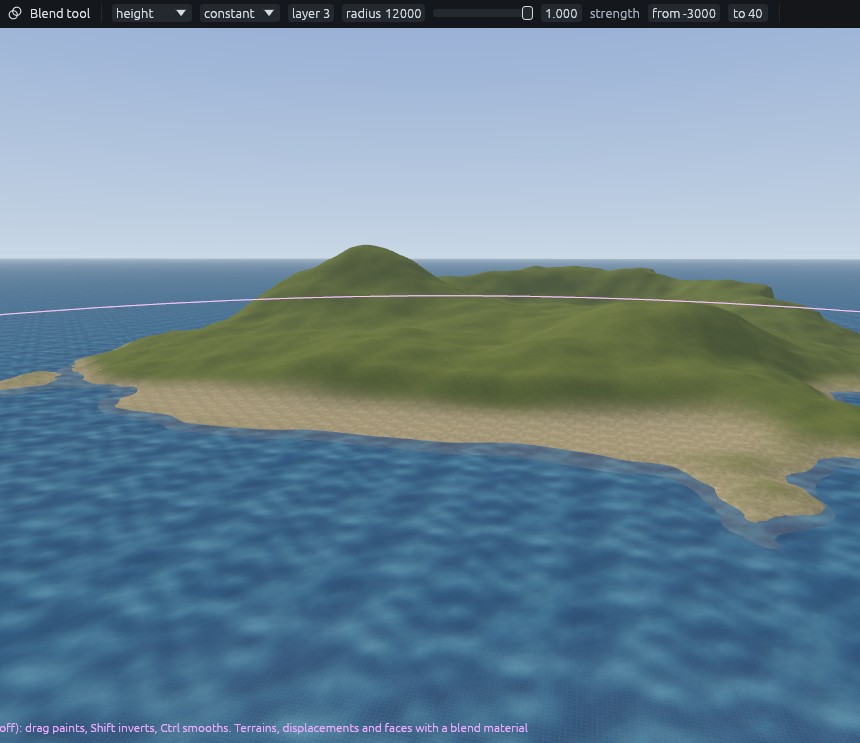
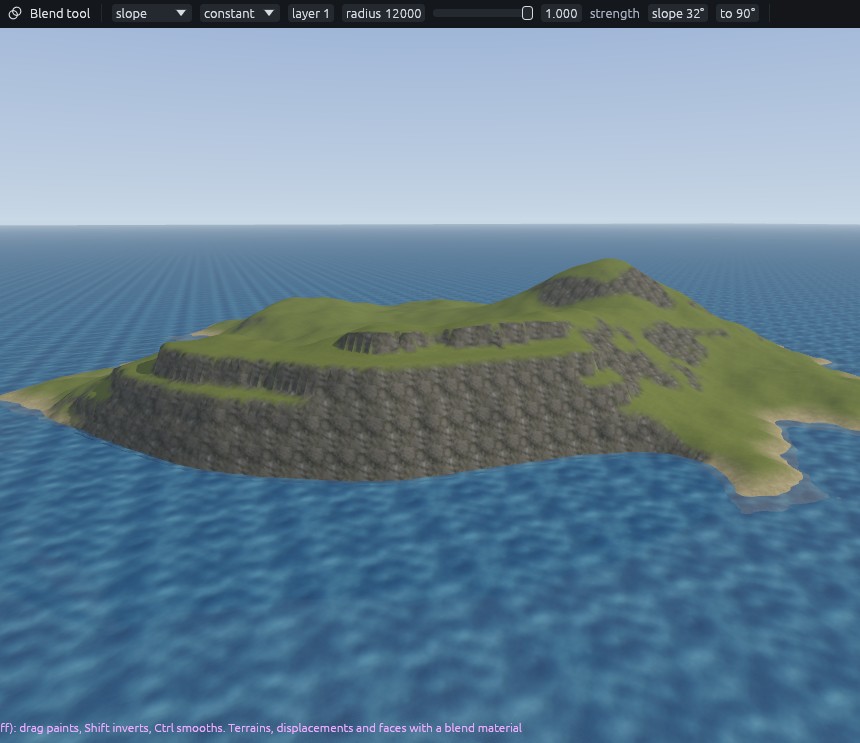
The slope and height modes only paint where the ground is within a range of steepness or height. A radius of 12000 covers the whole island, so one click in these modes paints every shore or cliff at once.
Sand and rock
| Setting | Sand | Rock |
|---|---|---|
| Mode | height, from -3000 to 40 |
slope, from 32 to 90 |
| Falloff | constant, full strength across the whole brush | constant |
| Layer | 3 | 1 |
| Radius, strength | 12000, 1 | 12000, 1 |
Set those, then click once in the middle of the island for each. You should see everything below 40 turn to sand, and every steep slope turn to rock:
To widen the beach, paint layer 3 along the south shore in paint mode, falloff smooth, radius 700, strength 0.7. The smooth falloff fades towards the rim of the brush, so the edge of the sand stays soft.
Paths
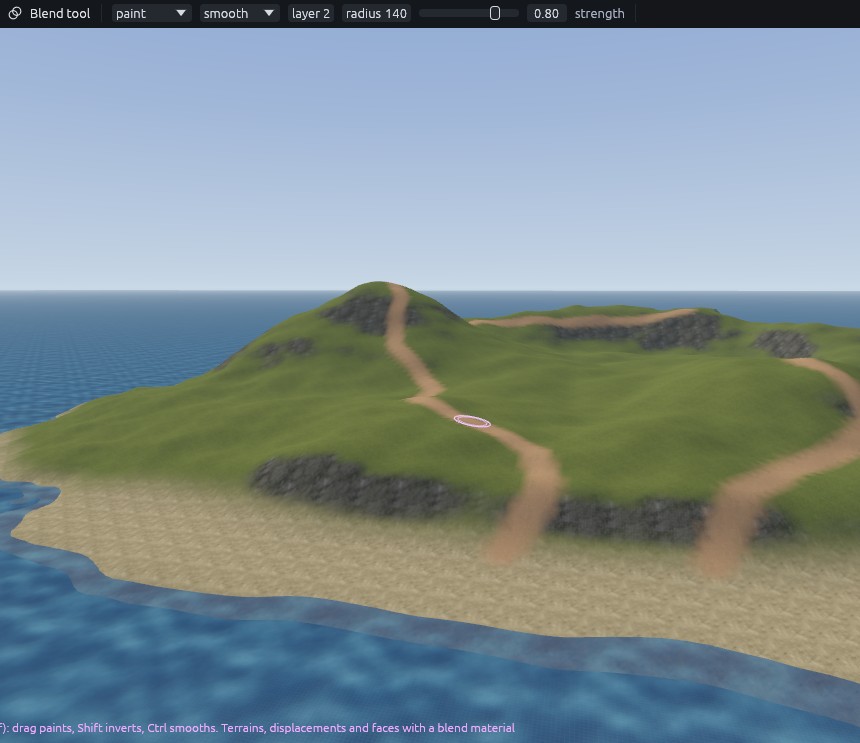
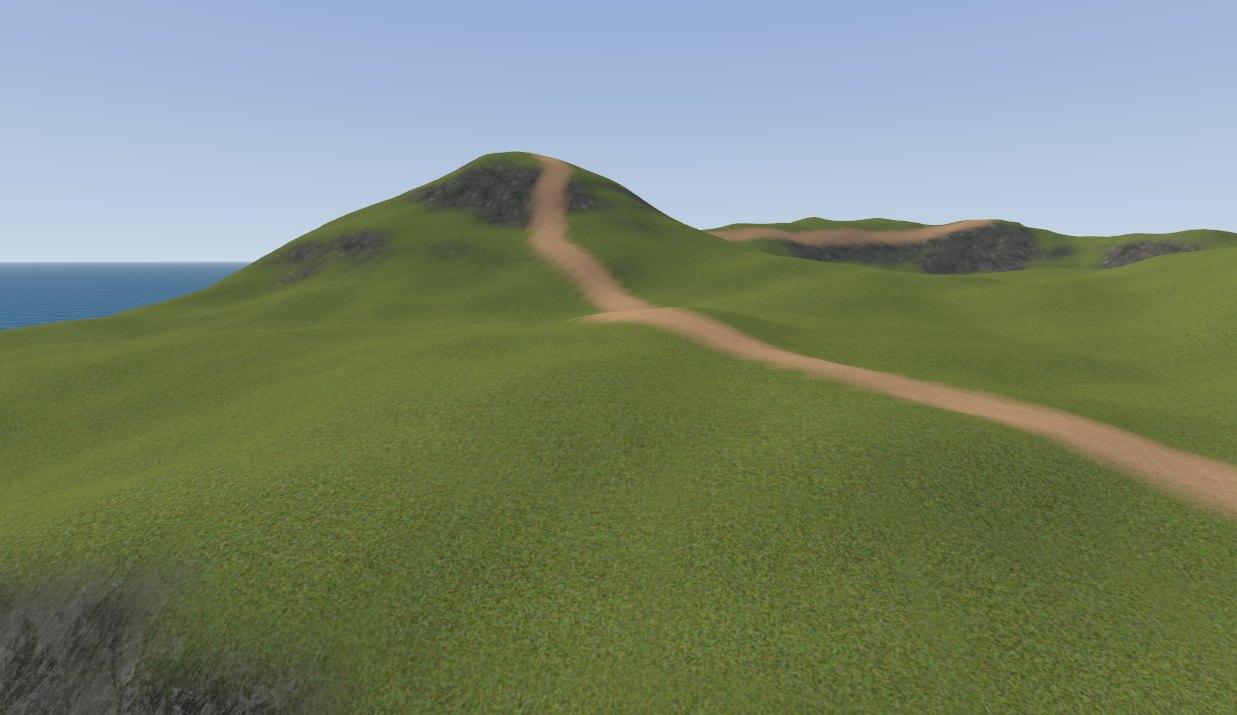
Mode paint, falloff smooth, layer 2, radius 140, strength 0.8. Drag:
- From the top of the beach up to the main hill in long curves.
- From the main hilltop along the ridge to the cliff top.
- From the east end of the beach to the second hill.
Break up the repeat
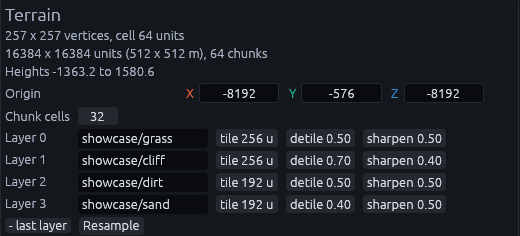
From far away a repeating texture shows as a grid. Select the terrain in the Outliner (a click in a view would paint with the Blend tool), then set detile and sharpen on each Layer row of the Inspector. Sharpen keeps the de-tiled texture crisp instead of soft.
| Layer | Detile | Sharpen |
|---|---|---|
| 0 grass | 0.5 | 0.5 |
| 1 cliff | 0.7 | 0.4 |
| 2 dirt | 0.5 | 0.5 |
| 3 sand | 0.4 | 0.5 |
Next: Sea island 4: scatter.