Sea island 4: scatter
Scattering places lots of trees, bushes, rocks or grass with a brush instead of one by one. Each kind of planting below is its own scatter set, and a set only grows on its targets, the surfaces you pick for it.
Set up a set
Every set on this page starts the same way.
-
Pick the Scatter tool
Press B, or click the Scatter button in the toolbar. The Scatter tab opens on the right, next to the Inspector. (If you close it, Scatter Panel in the tool options bar brings it back.)

-
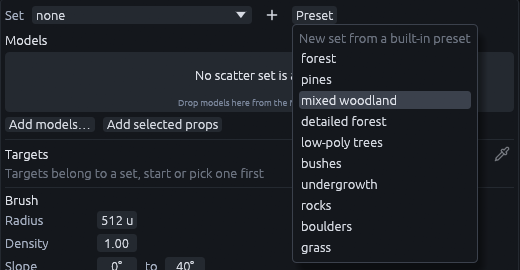
Start it from a preset
Click Preset at the top of the Scatter panel and pick the preset the step names.
-
Target the terrain
Click the eyedropper next to Targets, then click the terrain in the 3D view. You should see it listed under Targets, as
terrain #2or similar.
Leave Follow cursor unticked, since it paints on whatever is under the brush and ignores the targets. Leave Keep spacing to other sets ticked, so the sets keep their distance from each other and nothing grows through a trunk.
Woodland
- Preset > mixed woodland, then click Rename at the top and call it
woodland. Target the terrain. -
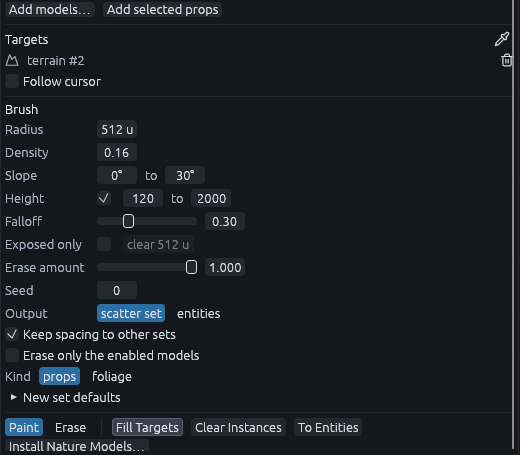
In the Brush section set Density 0.16 and Slope 0 to 30, and tick Height, 120 to 2000. The slope range keeps trees off the cliffs, and the height range keeps them off the beach.
-
Click Fill Targets at the bottom of the panel to plant the whole terrain at once.
Density counts attempts per 64 x 64 units, so 0.16 is roughly one tree every 5 m.
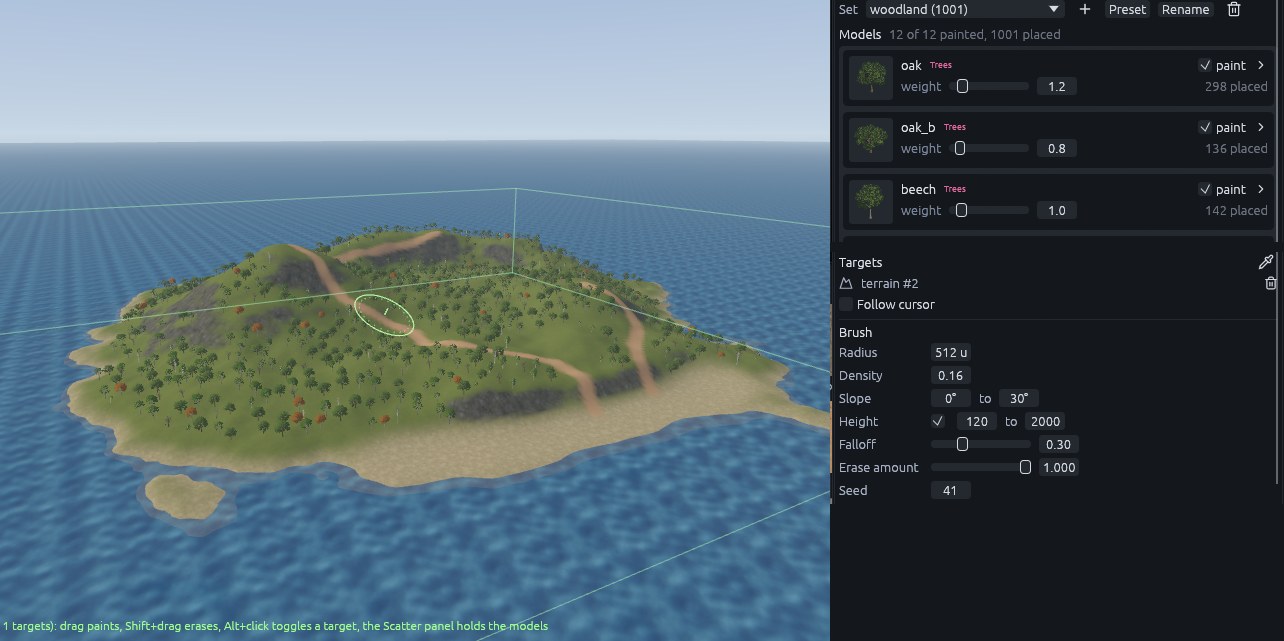
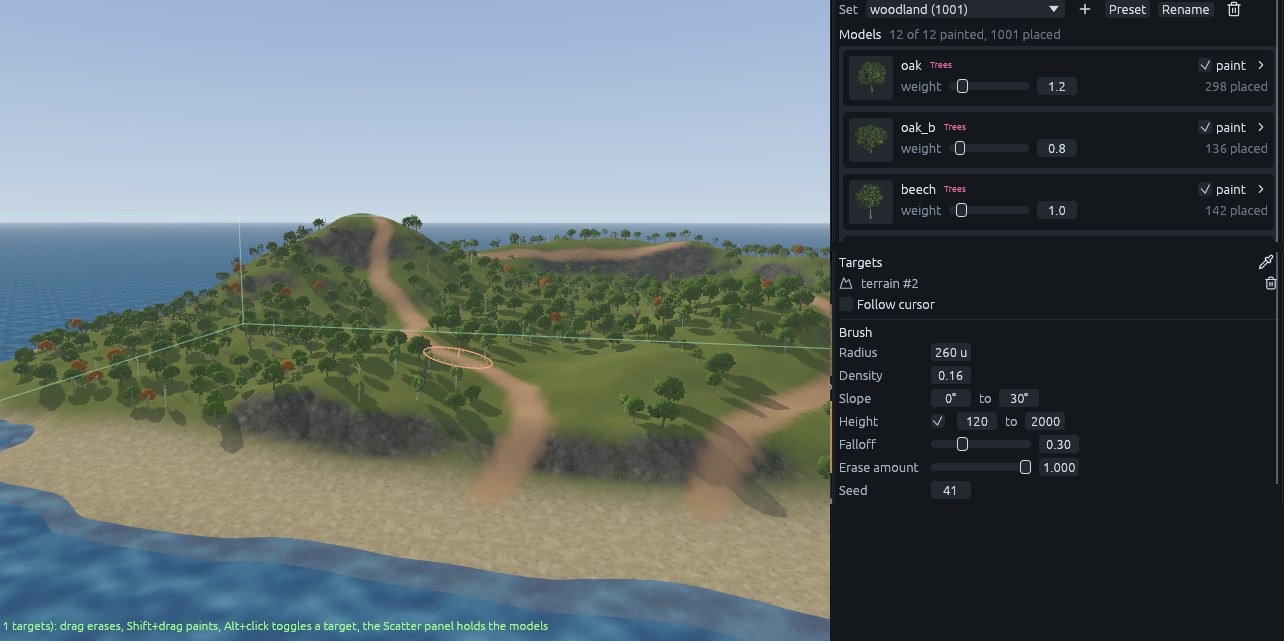
Hold Shift and drag along each path with radius 260 to erase the trees there. Erase a clearing on the main hilltop (radius about 520) and a meadow behind the beach (about 700).
Hero trees, bushes and boulders
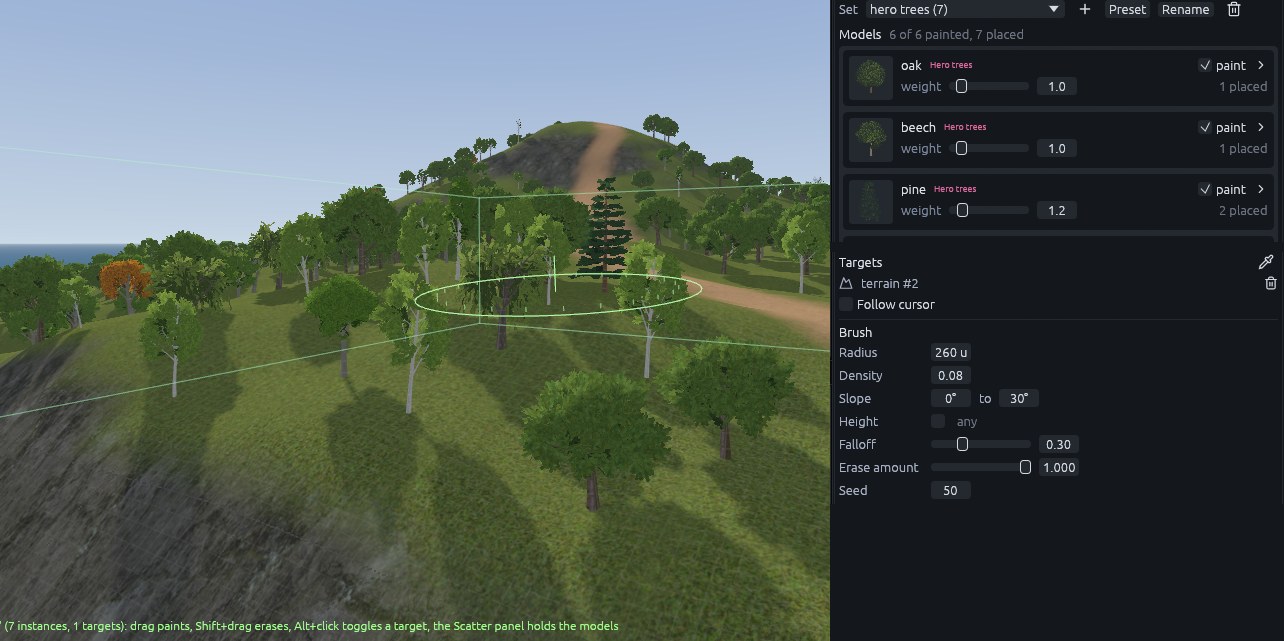
Each row is a new set from the named preset, targeted at the terrain like the woodland. Hero trees are a few large, detailed trees placed where the player looks closely.
| Set | Preset | How to place it | Radius | Density | Slope | Height |
|---|---|---|---|---|---|---|
| Hero trees | detailed forest | Single clicks where the paths leave the beach and around the hilltop clearing | 260 | 0.08 | 0 to 30 | off |
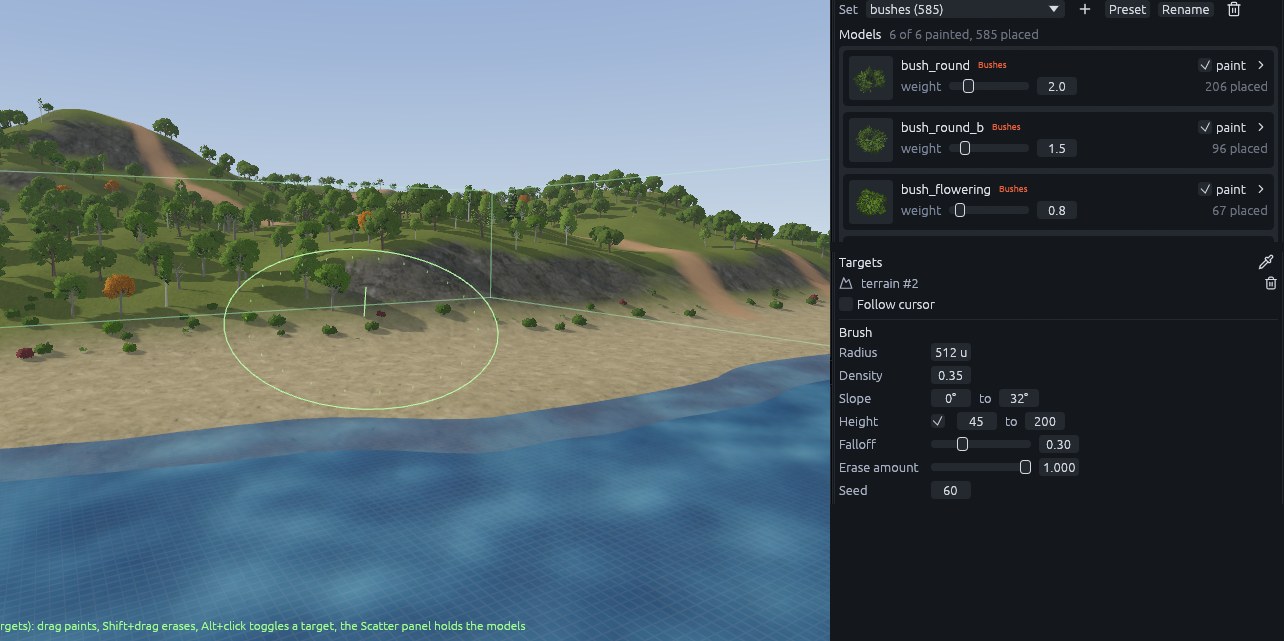
| Bushes | bushes | Fill Targets, then erase along the paths with radius 190 | 0.35 | 0 to 32 | 45 to 200 | |
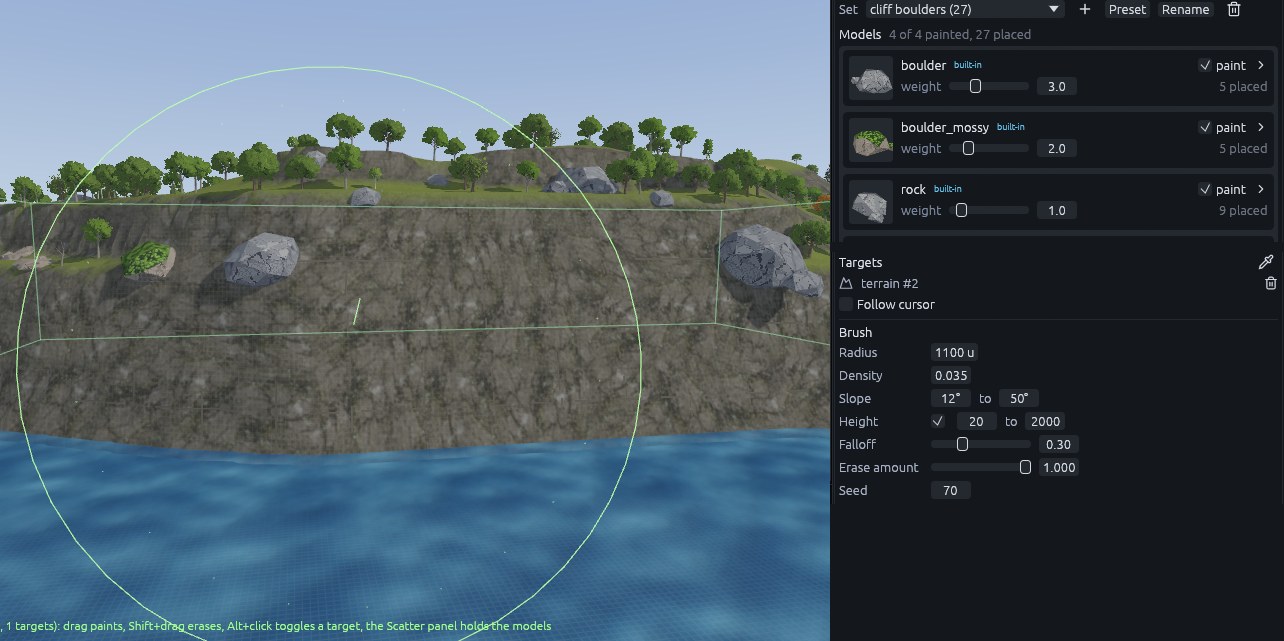
| Boulders | boulders | One stroke along the top of the cliffs | 1100 | 0.035 | 12 to 50 | 20 to 2000 |
Grass
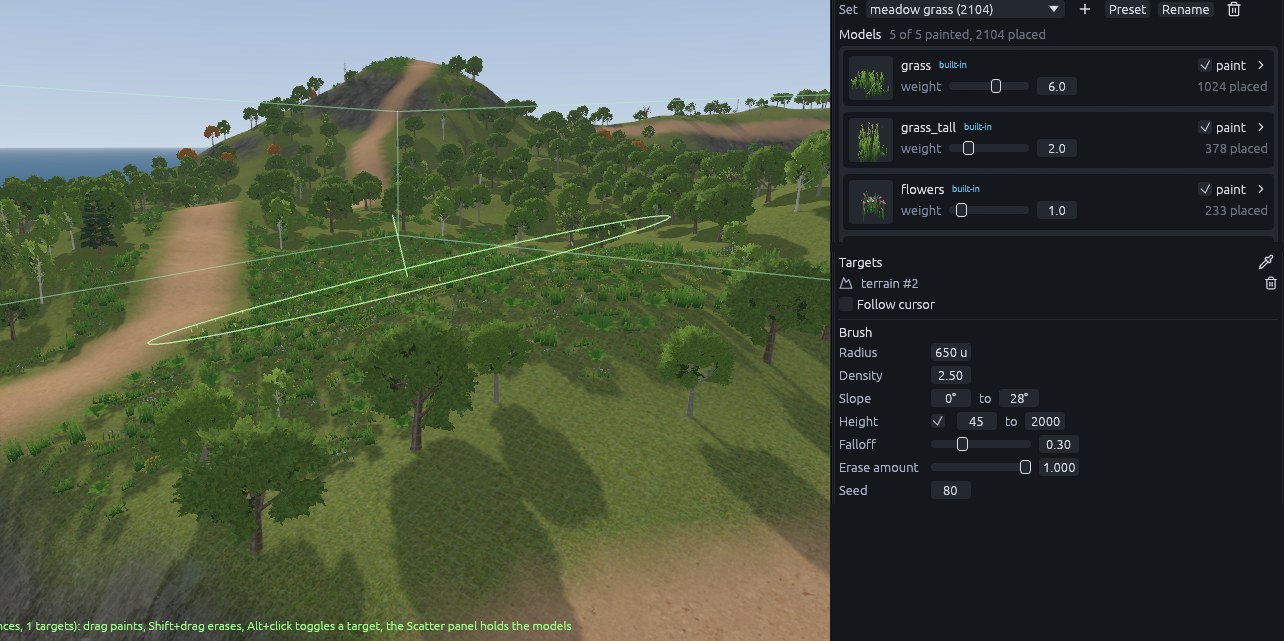
- Start a set from the grass preset. Grass is foliage, drawn without collision or shadows, so it can be dense without slowing the game down.
-
Paint the open meadows with radius 650, density 2.5, slope 0 to 28, height 45 to 2000. Erase it off the paths with radius 170.
-
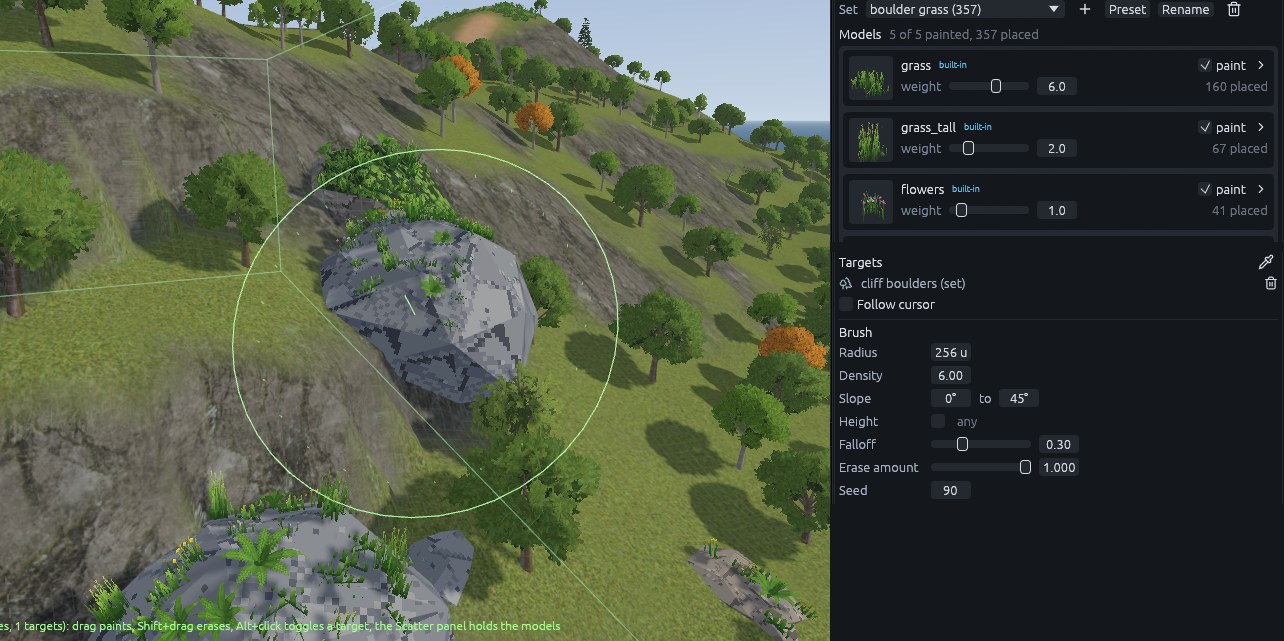
For grass on the boulders, start one more grass set. With the eyedropper, click a boulder instead of the terrain, so the boulder set becomes its target. You should see it under Targets with
(set)after its name. Then Fill Targets with density 6 and slope 0 to 45.
Note
Fill places grass on the boulders as they are at that moment, so finish the boulders first.
Next: Sea island 5: pier and Godot.